logo
products

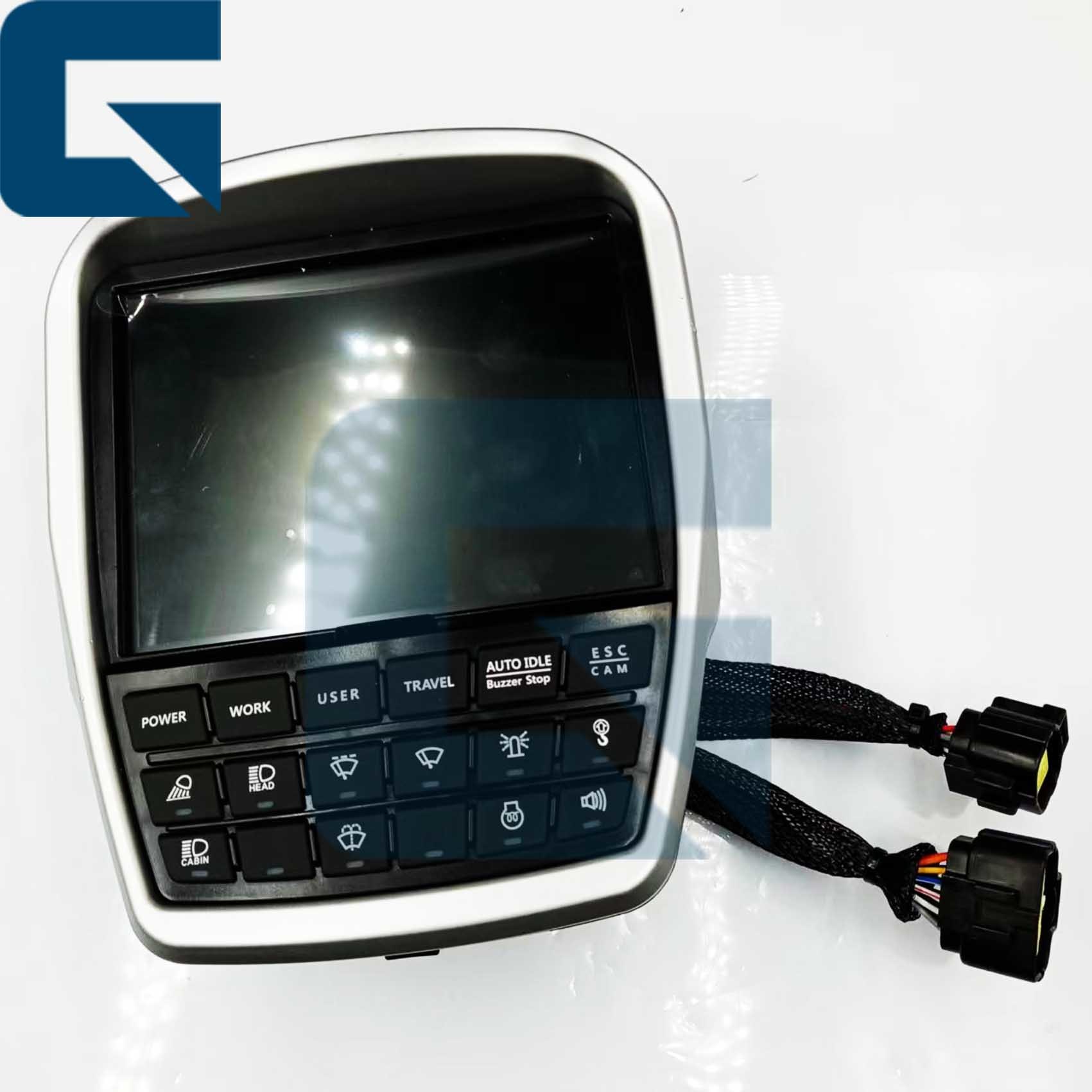
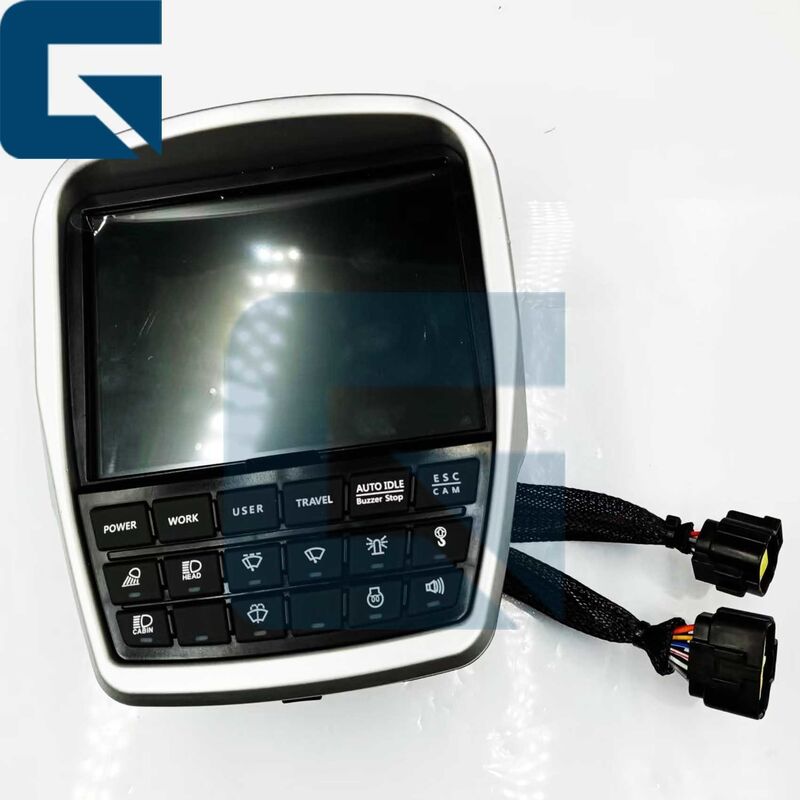
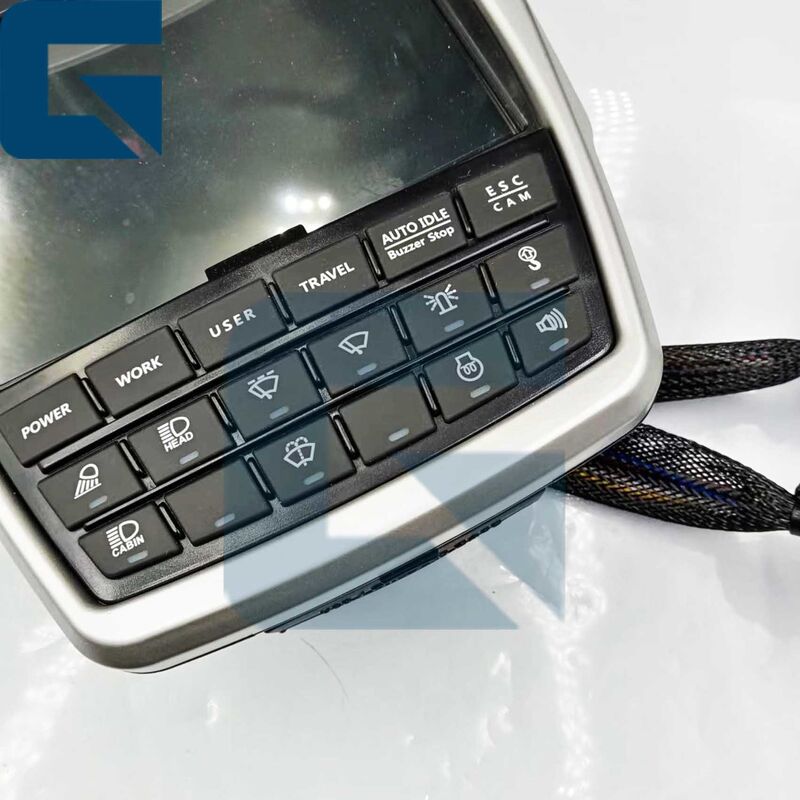
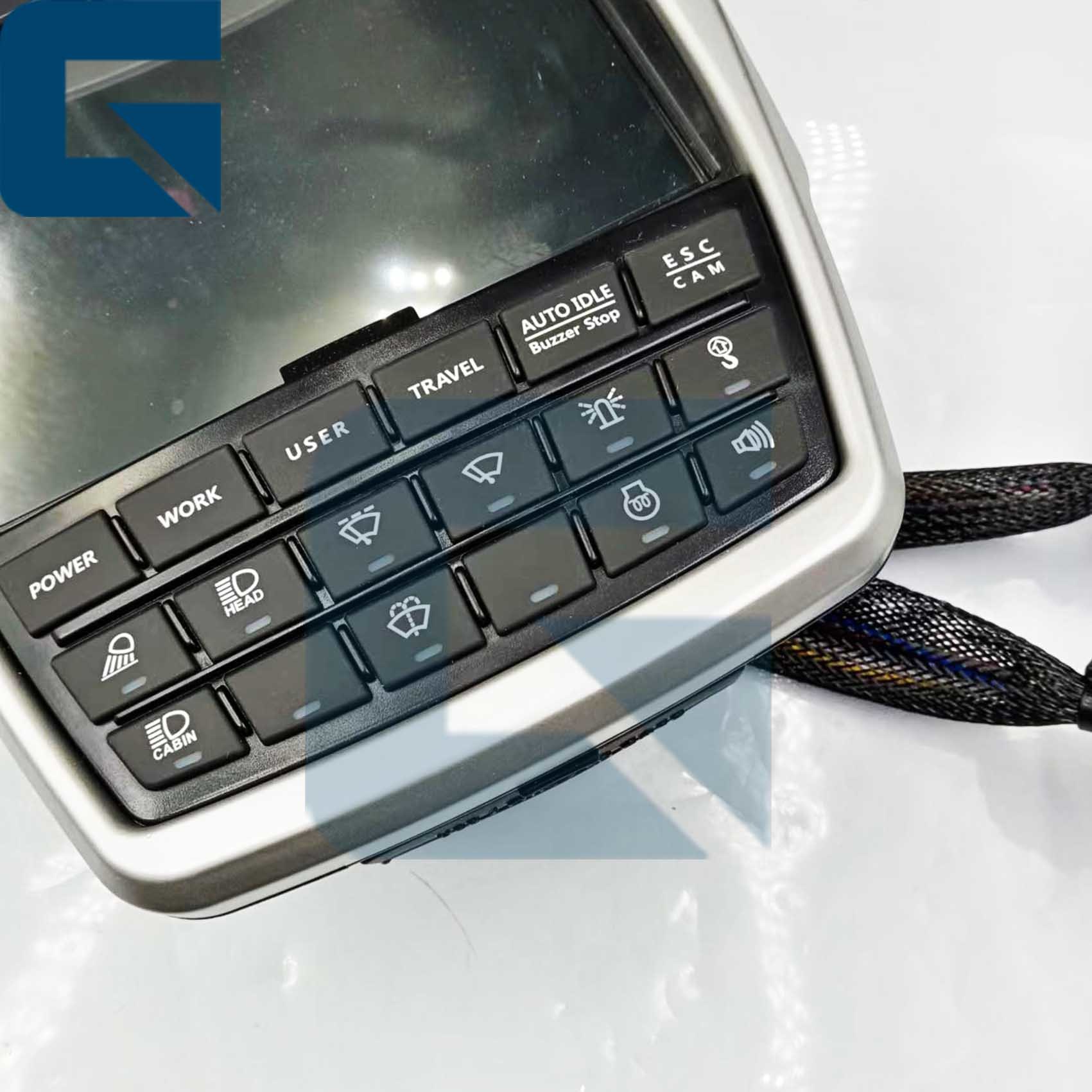
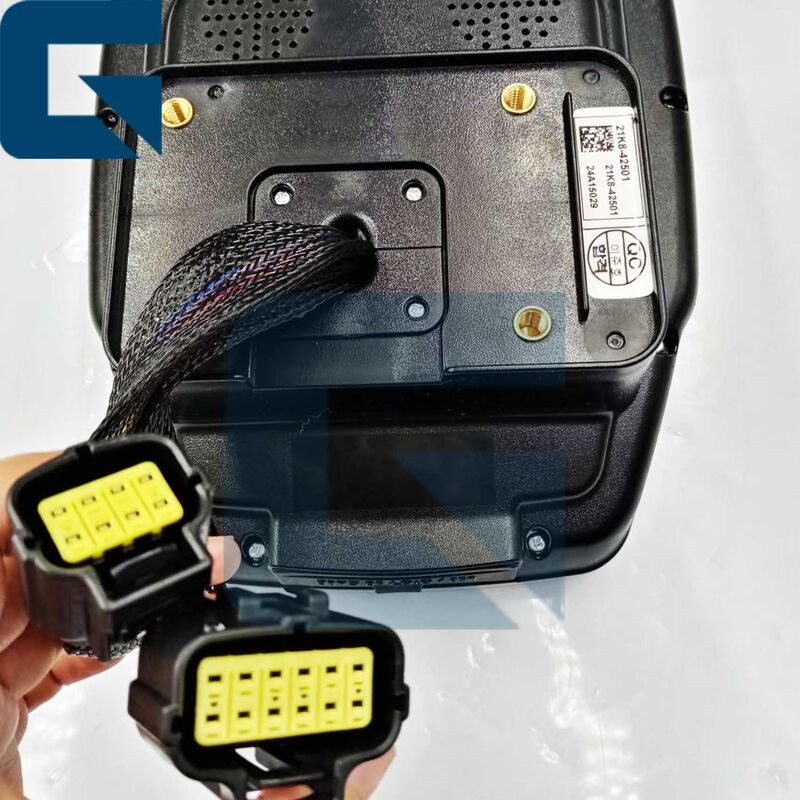
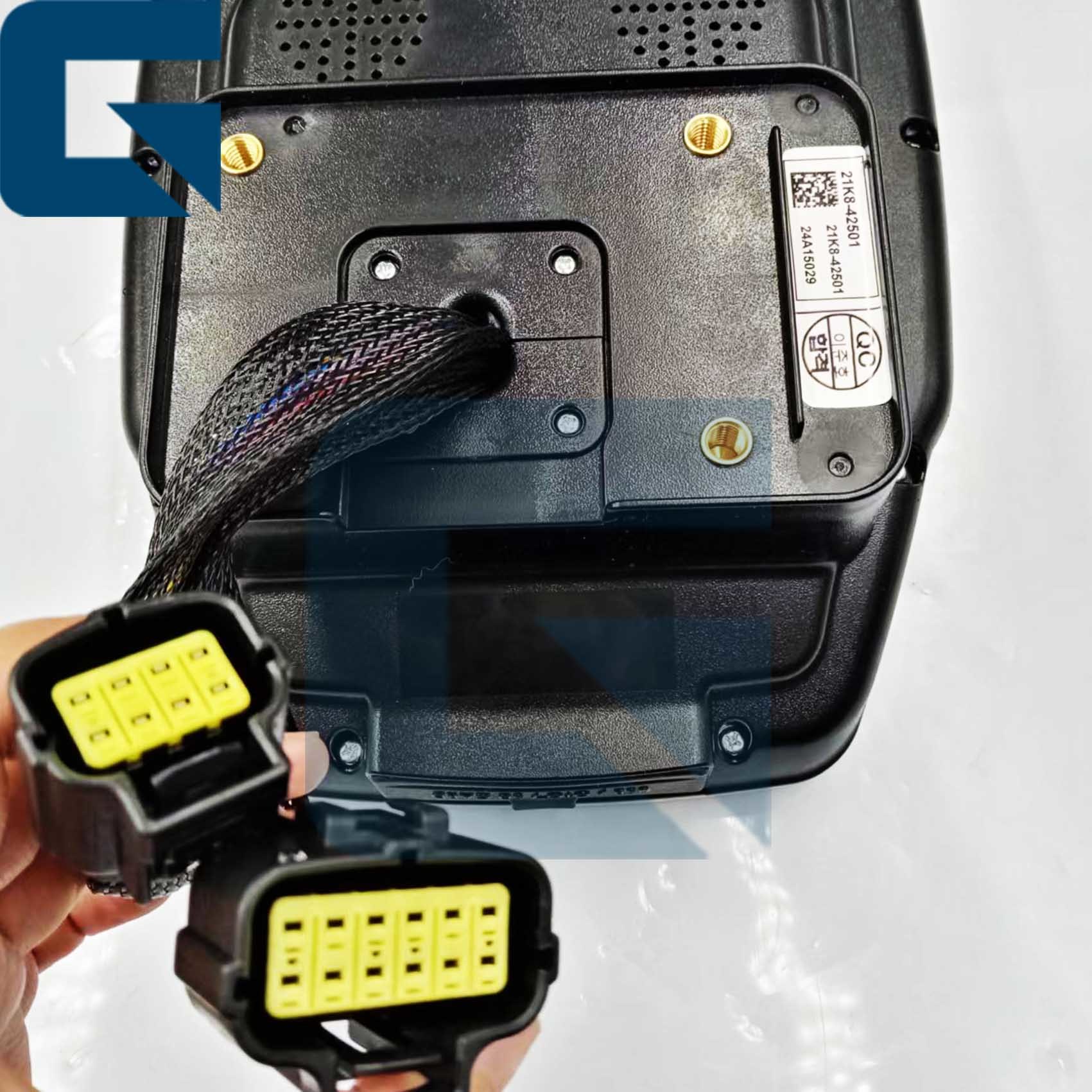
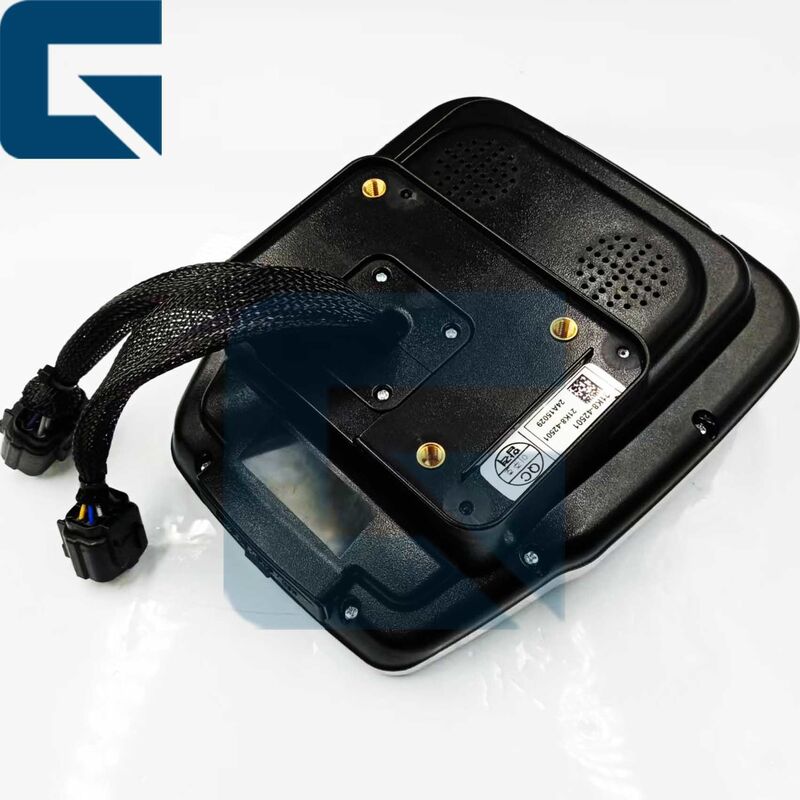
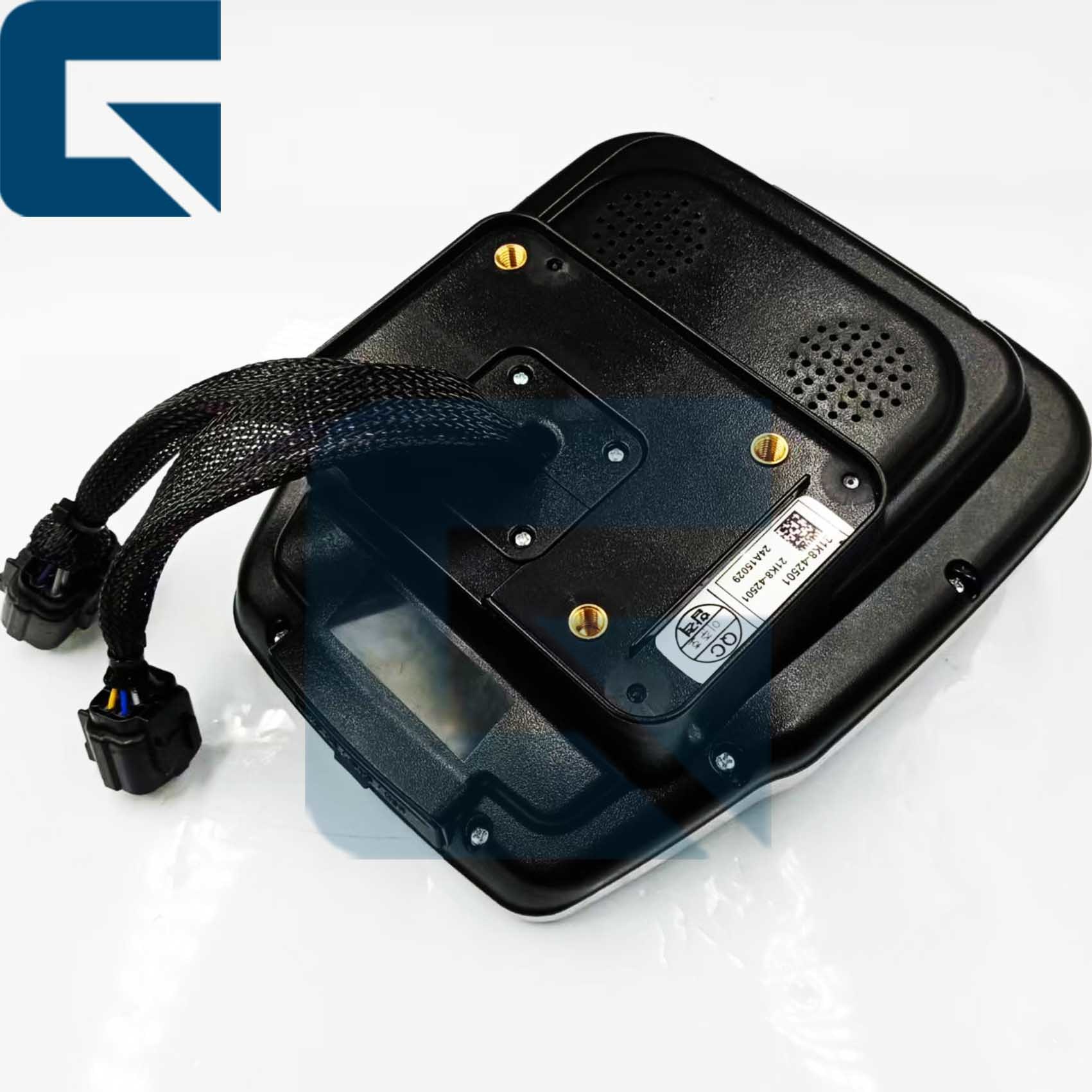
21K8-42501 21K842501 Monitor Panel for R500W Machine

Βασικές πληροφορίες
Τόπος καταγωγής: Κίνα
Μάρκα: JIAJUE
Αριθμό μοντέλου: R500W
Ποσότητα παραγγελίας min: 1
Τιμή: Please send mail or WhatsApp
Συσκευασία λεπτομέρειες: 21K8-42501 21K842501 Ο πίνακας οθόνης για μηχανή R500W συσκευάζεται σε τυπική συσκευασία εξαγωγής σύ
Χρόνος παράδοσης: 1 εργάσιμη ημέρα
Όροι πληρωμής: L/C,D/A,D/P,T/T,Western Union
Δυνατότητα προσφοράς: 1000 τμχ/μήνα
Λεπτομερής ενημέρωση
Αριθμός ανταλλακτικού: 21Κ8-42501 MOQ: 1
Επισημαίνω:

R500W excavator monitor panel

,

21K8-42501 replacement monitor

,

excavator machine display screen


Περιγραφή προϊόντων

21K8-42501 Monitor Panel for R500W Machine
This high-quality monitor panel ensures optimal performance and reliability for your R500W heavy equipment operations.
Product Specifications
Product NameController
Part Number21K8-42501
Brand NameJIAJUE
Machine ModelR500W
ConditionBrand New
AvailabilityRich Stock
Delivery TimeUsually delivered within 1-3 days after payment
Approximate Weight2KG
Size (per unit)20cm x 30cm x 8cm
Delivery MethodsDHL, FedEx, TNT, UPS
ShipmentDispatched within 24-48 hours
Payment MethodsTT, Western Union, Credit Card, PayPal
Product Testing
21K8-42501 21K842501 Monitor Panel for R500W Machine 0 21K8-42501 21K842501 Monitor Panel for R500W Machine 1
Related Products
21K8-42501 21K842501 Monitor Panel for R500W Machine 2
Frequently Asked Questions
Q1: How long does it take to install the ECM on machine?
  • Physical Installation: 15-30 minutes. The unit is typically secured by 4 bolts on the cool side of the engine.
  • Programming & Testing: 30-60 minutes.
Pro Tip: If the ECM is pre-programmed by us based on your machine's serial number, it is essentially "Plug & Play." If not, you will need a Cat ET (Electronic Technician) tool to flash the software, which takes additional time. We recommend professional installation to ensure correct parameter synchronization.
Q2: How to determine if the ECM is faulty and needs replacement?
  • The ET diagnostic tool cannot communicate with the ECM, or it displays a "Module Not Responding" error. This is a critical sign of internal hardware failure.
  • Active fault codes related to internal memory (EEPROM) or voltage reference issues that persist after checking the wiring harness often indicate ECM failure.
  • Sudden engine stalling, severe power loss (Limp Mode), or persistent misfiring (missing injector driver signals) after sensors and harnesses have been ruled out.
  • Visible signs of overheating (burning smell), water ingress, corrosion, or broken pins on the connector headers.
Q3: What's your payment method?
Our payment methods include T/T, L/C, PayPal, etc.
Q4: Do you have stock?
Rich stock available.
Q5: How can I know my order is already shipping?
When the goods ship, we will share the tracking number. For sea or air freight, we can provide the bill of lading.
Step-by-Step Testing Guide
Pro-Tip: HEUI (Hydraulic Electronic Unit Injection) systems are extremely sensitive to contamination. A single speck of dust can cause premature failure.
  1. Prepare: Ensure the excavator is turned off and safely secured. Disconnect the battery to avoid electrical accidents.
  2. Inspect: Check the ECU for physical damage or loose connections.
  3. Connect Diagnostic Tool: Use a diagnostic tool recommended by the excavator's manufacturer. Connect it to the ECU according to the tool's instructions.
  4. Read Codes: Use the diagnostic tool to read any error codes (DTCs) stored in the ECU. These codes indicate potential problems with the ECU or connected systems.
  5. Check Live Data: View live data parameters such as sensor readings and system voltages. Ensure they are within normal ranges.
  6. Functional Tests: If possible, perform tests to activate components or simulate sensor inputs. Verify that the ECU responds correctly without delays or errors.
  7. Reset (if needed): Reset the ECU if recommended by the manufacturer, especially after repairs or replacements.
  8. Document: Keep a record of all tests, codes, and results for future reference.
Quick Checklist for Buyers
Before replacing the ECM, always check the fuses, main relays, and ground connections. In many cases, a faulty ground wire or low battery voltage mimics an ECM failure.
Customer Reviews
21K8-42501 21K842501 Monitor Panel for R500W Machine 3
Company Profile
21K8-42501 21K842501 Monitor Panel for R500W Machine 4
Exhibition
21K8-42501 21K842501 Monitor Panel for R500W Machine 5 21K8-42501 21K842501 Monitor Panel for R500W Machine 6
Factory Environment
21K8-42501 21K842501 Monitor Panel for R500W Machine 7
Packaging & Shipping
21K8-42501 21K842501 Monitor Panel for R500W Machine 8 21K8-42501 21K842501 Monitor Panel for R500W Machine 9

Στοιχεία επικοινωνίας
Wendy

Τηλεφωνικό νούμερο : +8618928940200

Το WhatsApp : +8618926191673